

Ebook Tools
Calibre CLI command generators and in-browser ebook utilities for converting DRM-free EPUB, MOBI, AZW3, FB2, PDF, and TXT files across reading devices.
| Tool | Category | Description | Action |
|---|---|---|---|
|
AZW3 Header Inspector & Conversion Guide
Inspect AZW3 Kindle ebook headers in your browser and fol...
|
Ebook Tools | Inspect AZW3 Kindle ebook headers in your browser and follow step-by-step Calibre instr... | Open |
|
AZW3 to EPUB Calibre Command Generator
Guide for converting Amazon AZW3 Kindle ebook files to EP...
|
Ebook Tools | Guide for converting Amazon AZW3 Kindle ebook files to EPUB format using Calibre and ot... | Open |
|
AZW3 to FB2 Converter
Generates Calibre ebook-convert commands to convert AZW3 ...
|
Ebook Tools | Generates Calibre ebook-convert commands to convert AZW3 Kindle ebooks to FB2 format, w... | Open |
|
AZW3 to MOBI Converter
Generate a ready-to-run Calibre ebook-convert command to ...
|
Ebook Tools | Generate a ready-to-run Calibre ebook-convert command to convert AZW3 (Kindle Format 8)... | Open |
|
AZW3 to PDF Converter
Guide for converting Amazon Kindle AZW3 ebook files to PD...
|
Ebook Tools | Guide for converting Amazon Kindle AZW3 ebook files to PDF using Calibre and other free... | Open |
|
EPUB to FB2 Converter
Converts EPUB ebook files to FictionBook 2 (FB2) format i...
|
Ebook Tools | Converts EPUB ebook files to FictionBook 2 (FB2) format in the browser using client-sid... | Open |
|
FB2 to AZW3 Converter
Informational guide explaining how to convert FB2 (Fictio...
|
Ebook Tools | Informational guide explaining how to convert FB2 (FictionBook) ebook files to AZW3 (Ki... | Open |
|
FB2 to EPUB Converter
Informational guide and Calibre command generator for con...
|
Ebook Tools | Informational guide and Calibre command generator for converting FB2 ebook files to EPU... | Open |
|
FB2 to MOBI Converter
Informational guide explaining how to convert FB2 ebook f...
|
Ebook Tools | Informational guide explaining how to convert FB2 ebook files to MOBI (Kindle) format u... | Open |
|
FB2 to PDF Converter
Informational guide explaining how to convert FictionBook...
|
Ebook Tools | Informational guide explaining how to convert FictionBook 2 (.fb2) ebook files to PDF f... | Open |
|
FB2 to TXT Converter
Convert FB2 ebook XML to plain text in the browser by str...
|
Ebook Tools | Convert FB2 ebook XML to plain text in the browser by stripping tags and extracting par... | Open |
|
MOBI to AZW3 Converter
Guide and Calibre command generator for converting MOBI e...
|
Ebook Tools | Guide and Calibre command generator for converting MOBI ebooks to AZW3 (Kindle Format 8... | Open |
|
MOBI to FB2 Converter
Explains how to convert MOBI ebook files to FB2 format wi...
|
Ebook Tools | Explains how to convert MOBI ebook files to FB2 format with a client-side format compar... | Open |
|
MOBI to PDF Converter
Guide and reference tool for converting MOBI ebook files ...
|
Ebook Tools | Guide and reference tool for converting MOBI ebook files to PDF format. Includes a clie... | Open |
|
MOBI to TXT Converter
Extracts plain text from MOBI ebook files in-browser, str...
|
Ebook Tools | Extracts plain text from MOBI ebook files in-browser, stripping formatting and markup t... | Open |
|
PDF to AZW3 Converter
Informational guide explaining how to convert PDF files t...
|
Ebook Tools | Informational guide explaining how to convert PDF files to Amazon AZW3/Kindle format, w... | Open |
|
PDF to EPUB Converter
Guide and tool-recommendation page for converting PDF fil...
|
Ebook Tools | Guide and tool-recommendation page for converting PDF files to EPUB ebook format, with ... | Open |
|
PDF to FB2 Converter
Informational guide explaining how to convert PDF files t...
|
Ebook Tools | Informational guide explaining how to convert PDF files to FB2 (FictionBook) ebook form... | Open |
|
PDF to MOBI Converter
Guides users through converting PDF files to MOBI format ...
|
Ebook Tools | Guides users through converting PDF files to MOBI format for Kindle devices, with a PDF... | Open |
|
PDF to TXT Converter
Client-side tool that extracts plain text from an uploade...
|
Ebook Tools | Client-side tool that extracts plain text from an uploaded PDF file using pdf.js, with ... | Open |
|
TXT to AZW3 Conversion Guide
Step-by-step guide to converting plain-text TXT files to ...
|
Ebook Tools | Step-by-step guide to converting plain-text TXT files to Amazon's AZW3 Kindle format us... | Open |
|
TXT to EPUB Converter
Converts plain text files to EPUB ebook format in the bro...
|
Ebook Tools | Converts plain text files to EPUB ebook format in the browser. Paste or upload a .txt f... | Open |
|
TXT to FB2 Converter
Converts plain text (.txt) files into FictionBook 2 (FB2)...
|
Ebook Tools | Converts plain text (.txt) files into FictionBook 2 (FB2) ebook format entirely in the ... | Open |
|
TXT to MOBI Converter
Guide and Calibre command generator for converting plain ...
|
Ebook Tools | Guide and Calibre command generator for converting plain text (.txt) files to MOBI eboo... | Open |
|
TXT to PDF Ebook Converter
Converts plain text input into a downloadable PDF ebook f...
|
Ebook Tools | Converts plain text input into a downloadable PDF ebook file using pdf-lib, with basic ... | Open |
Most popular in Ebook Tools
Calibre Command Generation and Ebook Format Conversion
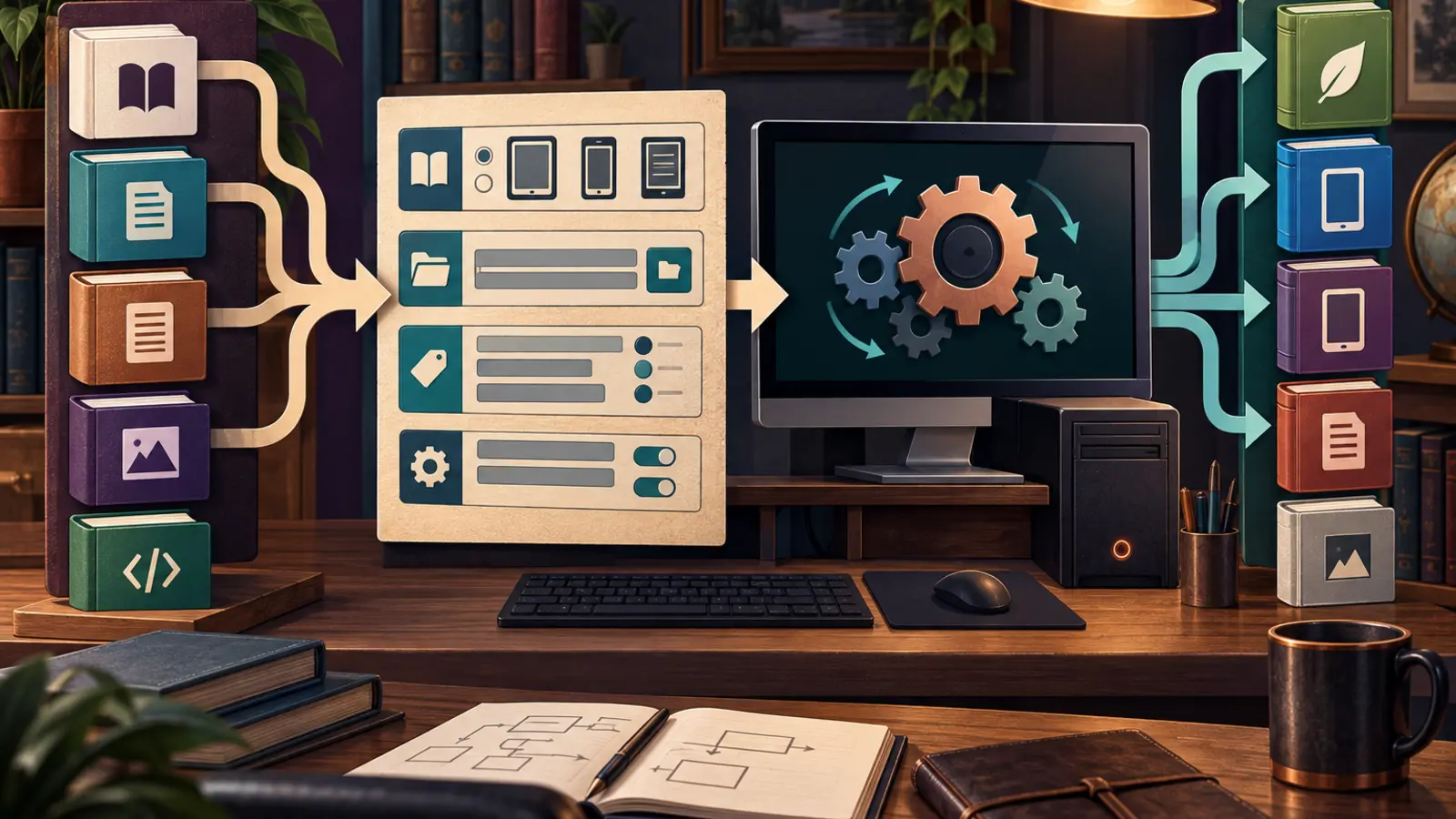
Managing an offline digital library across multiple hardware ecosystems—such as Amazon Kindle, Kobo, PocketBook, and desktop e-readers—requires converting containers, reflowing text, and adjusting metadata. Ebook formats are fundamentally different: some are open, zipped XML packages (EPUB), some are single-file XML specifications (FB2), some are proprietary compressed binary containers (MOBI, AZW3/KF8), and others are fixed-layout print representations (PDF).
A critical technical distinction must be made regarding how the tools on this page operate: these utilities are primarily command generators and local file inspectors, not full-scale cloud conversion engines. Because proprietary formats like AZW3 and complex binary conversions require native binaries and rendering engines, true conversion for most format pairs requires having the free, open-source software Calibre installed on your local computer. Rather than forcing you to upload private manuscripts or unreleased books to remote servers, our generators build exact, properly escaped terminal commands using Calibre's command-line interface utility, ebook-convert, which you run locally on your machine.
For a specific subset of operations—such as extracting text layers from PDF or MOBI containers, or packaging raw text into EPUB 3, FB2, or PDF—specialized browser-based tools parse files locally on your device without server-side processing.
Software Prerequisites: Installing and Verifying Calibre
To execute the commands generated by our Calibre CLI tools, you must have Calibre installed and its command-line utilities accessible in your operating system's execution path (PATH).
- macOS: Download and install Calibre into your
/Applicationsdirectory. To enable the command-line tools, create a symbolic link to the binary by running:sudo ln -s /Applications/calibre.app/Contents/MacOS/ebook-convert /usr/local/bin/ebook-convert - Linux (Debian/Ubuntu): Install via system package manager:
sudo apt-get install calibreor use the official binary installer provided on the Calibre website. - Windows: Download and run the Calibre 64-bit installer. Ensure the installation directory (typically
C:\Program Files\Calibre2\) is added to your system Environment Variables underPath.
Verify your installation by opening your terminal or command prompt and running: ebook-convert --version. If the output returns the installed version number, your environment is ready to execute any command produced by these generators.
Ebook Format Architectures and Target Ecosystems
Choosing the correct conversion pathway requires matching file formats with target device capabilities:
- EPUB (Electronic Publication): The open industry standard maintained by the W3C. Built on HTML, CSS, and XML inside a zipped archive. Supported natively by Kobo, Apple Books, Google Play Books, Barnes & Noble Nook, and modern Android/iOS readers. Modern Kindle services also accept EPUB through Send to Kindle, converting it automatically on Amazon's cloud.
- AZW3 (Kindle Format 8 / KF8): Amazon's modern proprietary format. Supports HTML5 markup, CSS3 styling, embedded fonts, and hyphenation. Ideal for direct USB sideloading onto modern Kindle Paperwhite, Oasis, and Scribe devices.
- MOBI (Mobipocket): Amazon's legacy binary format based on PalmDOC compression. It lacks modern CSS support and custom typography. MOBI is necessary only for vintage Kindle devices (1st to 4th generation) or third-party e-readers that do not support AZW3.
- FB2 (FictionBook 2): A clean, single-file XML format where all text, chapter markers, and base64-encoded images live in one structured document. Standard on PocketBook devices, Onyx BOOX native apps, and desktop tools like FBReader across Eastern Europe.
- PDF (Portable Document Format): A fixed-layout document standard designed for visual fidelity and printing. Lacks semantic reflow, making it challenging to read on small 6-inch e-ink screens without panning or scaling.
- TXT: Unstructured UTF-8 plain text containing words and line breaks, with no font styling, chapter navigation, or metadata hierarchy.
Converting Amazon Formats: AZW3 and MOBI
Amazon's proprietary formats require distinct approaches depending on whether you are modernizing older files or exporting Kindle-compatible files to open hardware readers.
AZW3 Conversions
When migrating away from Kindle hardware to open ecosystems like Kobo or PocketBook, use the AZW3 to EPUB Calibre Command Generator. This tool configures standard EPUB container packaging while preserving CSS stylesheets and chapter breaks. For Russian-market hardware, the AZW3 to FB2 Converter maps HTML heading hierarchies into valid FB2 structural tags.
If you need compatibility with legacy Kindle models from the 2000s, the AZW3 to MOBI Converter downsamples modern KF8 styling into basic PalmDOC records. When producing fixed-layout reference copies or printouts, reference our guide at AZW3 to PDF Converter, or inspect file validity and extract plain text using the AZW3 Header Inspector & Conversion Guide.
MOBI Modernization and Extraction
Legacy MOBI files often exhibit uneven spacing and outdated fonts on modern displays. The MOBI to AZW3 Converter upgrades these documents to Kindle Format 8, enabling font customization and tighter line-height rendering. If you are switching hardware platforms, consult the MOBI to FB2 Converter or the MOBI to PDF Converter.
For DRM-free MOBI books where you only need the raw text, the MOBI to TXT Converter processes the file directly in your browser. It parses PalmDOC binary headers, executes in-browser LZ77 decompression, strips internal HTML formatting tags, and outputs clean plain text without calling an external CLI binary.
Open Standards and Regional Formats: FB2 and EPUB
FictionBook 2 (FB2) remains popular for its structural simplicity. Because FB2 is clean XML, it is straightforward to manipulate, but converting it to binary formats requires reliable tooling.
FB2 Workflows
To convert FB2 collections for use across various hardware readers, generate target-specific Calibre commands:
- To prepare files for modern Kindle hardware via USB sideloading, use the FB2 to AZW3 Converter.
- To target Kobo, Tolino, or Apple Books, build EPUB packages with the FB2 to EPUB Converter.
- For vintage Kindle e-readers, generate commands via the FB2 to MOBI Converter.
- To create printable, fixed-dimension pages with configurable margins, use the FB2 to PDF Converter.
- To strip all XML tags and extract raw book copy locally in your browser, run the FB2 to TXT Converter.
EPUB to FB2 Direct Browser Conversion
Unlike proprietary binary files, moving from EPUB to FB2 can be achieved via client-side code. The EPUB to FB2 Converter unpacks the EPUB archive in memory using JSZip, reads the Open Packaging Format (.opf) spine to determine reading sequence, converts chapter XHTML elements into FB2 body sections, and exports a valid .fb2 file entirely within your web browser.
Document Extraction and Packaging: PDF and TXT
Working with PDFs and plain text files represents the opposite ends of the structure spectrum: PDFs have rigid visual structures with little semantic flow, while TXT files have pure content with no structural metadata.
Handling PDF Documents
PDF documents do not naturally reflow. Converting a PDF to a standard reflowable ebook format often results in broken sentences, hyphenation errors, and disrupted layouts. When reflow is acceptable for narrative text, use our Calibre command builders:
- PDF to EPUB Converter for universal e-readers.
- PDF to AZW3 Converter for modern Kindles.
- PDF to FB2 Converter for PocketBook and FBReader.
- PDF to MOBI Converter for legacy Kindle hardware workflows and Send to Kindle analysis.
If your PDF is structured and you only need the raw underlying copy, the browser-based PDF to TXT Converter uses pdf.js to parse the document's text layer and extract readable sentences page by page without transmitting the document across the network.
Packaging Plain Text (TXT) into Ebooks
If you have authored a manuscript in Markdown or plain text, you can package it directly into standardized reader formats:
- In-Browser Packaging: The TXT to EPUB Converter compiles plain text into a valid EPUB 3 structure using client-side JavaScript. The TXT to FB2 Converter encapsulates paragraphs into XML format. The TXT to PDF Ebook Converter uses pdf-lib to typeset text into a readable PDF with customized page margins.
- Calibre CLI Generation: When targeting Kindle formats that require proprietary container structures, use the TXT to MOBI Converter or read our guide on TXT to AZW3 Conversion Guide to compile your text file with embedded metadata flags.
Worked Examples: Generating and Executing CLI Commands
Calibre's ebook-convert utility expects an input path, an output path, and optional command-line switches. Our tools assemble these flags automatically to prevent syntax errors.
Example 1: Converting AZW3 to EPUB with Metadata Overrides
Suppose you have an Amazon file titled The Great Gatsby.azw3 located in your documents folder and wish to generate an EPUB file for a Kobo reader with explicit title and author metadata.
Entering these values into the AZW3 to EPUB Calibre Command Generator yields the following terminal command:
ebook-convert "The Great Gatsby.azw3" "The Great Gatsby.epub" --title "The Great Gatsby" --authors "F. Scott Fitzgerald" --language "en" --enable-heuristics
Running this in your terminal processes the conversion locally, writing The Great Gatsby.epub to the current working directory while applying Calibre's typographic heuristic processing.
Example 2: Converting PDF to AZW3 with Formatting Flags
When using the PDF to AZW3 Converter for narrative prose, unwrapping line breaks is crucial to prevent every line of the PDF from becoming an isolated paragraph. The generated command structures these parameters:
ebook-convert "manuscript.pdf" "manuscript.azw3" --unwrap-lines --change-justification justify --smarten-punctuation
Known Conversion Constraints and Failure Modes
Conversion utilities cannot overcome fundamental file format boundaries. Be aware of the following technical limitations before executing conversions:
- Digital Rights Management (DRM): None of the tools here strip DRM encryption. If your book was purchased from Amazon, Kobo, or Adobe with DRM protection enabled,
ebook-convertwill fail with an error stating the file is encrypted. Files must be DRM-free before conversion. - Scanned PDFs (Missing OCR): Tools extracting text from PDF (such as PDF to TXT Converter) and Calibre's
ebook-convertread embedded text layers. If your PDF is a scanned image with no OCR layer, the output will be empty or contain blank pages. You must run an OCR utility prior to conversion. - Multi-Column and Complex PDF Layouts: Academic papers, magazines, and technical manuals with multi-column text, sidebars, mathematical equations, or inline tables do not reflow cleanly. The conversion process reads text in horizontal bounding boxes, frequently interweaving side-by-side columns into unreadable paragraphs.
- Path Escaping and Special Characters: Terminal shells (bash, zsh, PowerShell) treat spaces, ampersands, and parentheses as control operators. Always enclose file paths containing spaces within double quotation marks (e.g.,
"My Book (2024).epub"). - Font Subsetting: Converting from proprietary formats to EPUB may discard embedded, licensed system fonts if the source container uses obfuscated font tables, falling back to standard serif or sans-serif reader typography.
Batch Automation Workflows
If you have dozens or hundreds of files to process, running individual commands in sequence is inefficient. You can execute batch operations by wrapping Calibre's CLI in standard shell scripts.
Batch Conversion on macOS and Linux (Bash/Zsh)
To convert all FB2 files in a folder to EPUB using your terminal:
for file in *.fb2; do ebook-convert "$file" "${file%.fb2}.epub"; done
Batch Conversion on Windows (PowerShell)
To convert all AZW3 files in a directory to EPUB via PowerShell:
Get-ChildItem -Filter *.azw3 | ForEach-Object { ebook-convert $_.FullName ($_.BaseName + ".epub") }
These batch loops evaluate each file individually, preserving the original base filenames while running the native Calibre translation routines locally on your hardware.